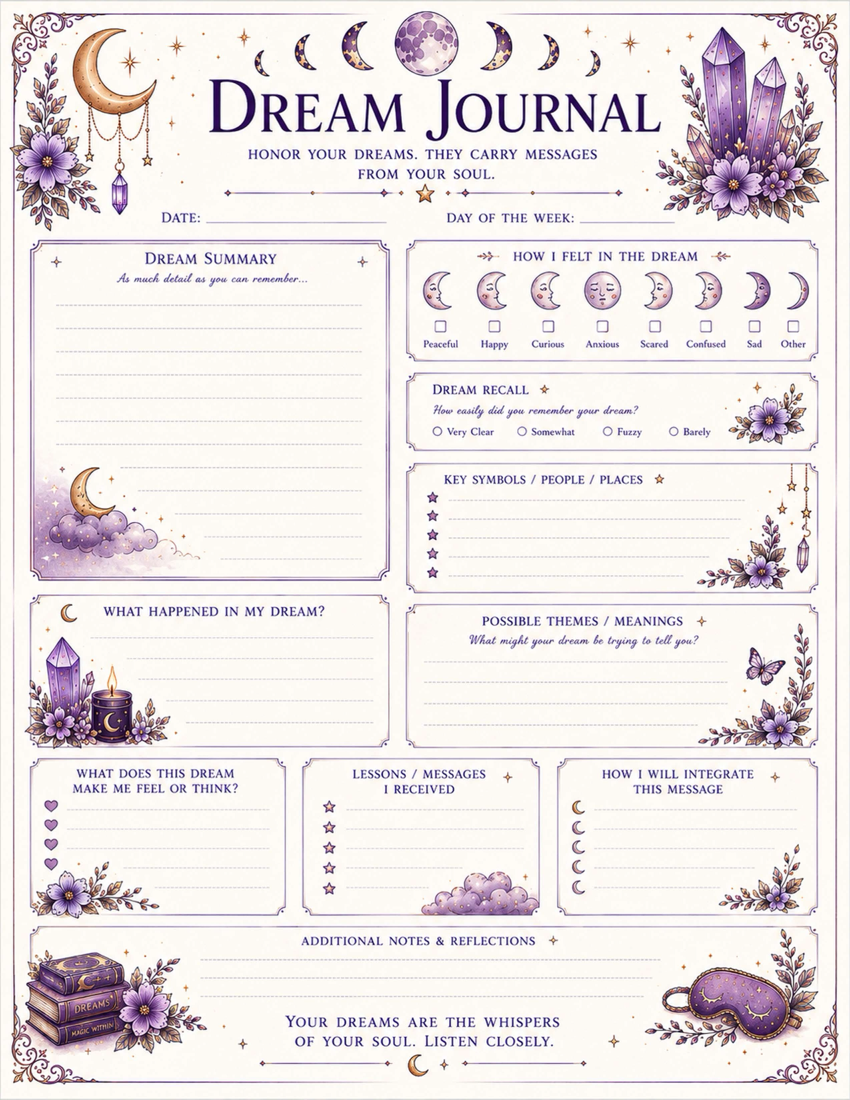
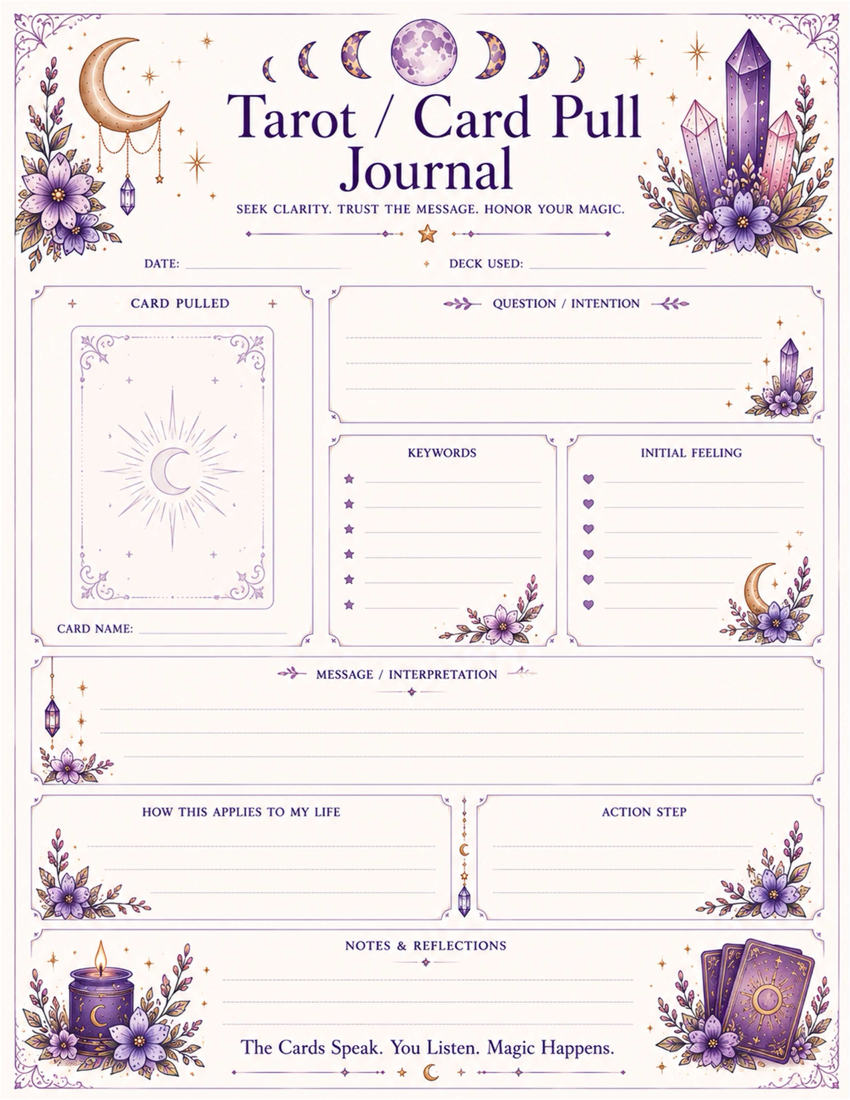
Online witchcraft tools are best used as prompts. They can help you choose timing, organize reflection, create symbols, and keep practice moving when you do not have physical tools nearby.
Use The Tool After The Question
Begin with a clear question or intention. Then choose the tool that fits: moon phases for timing, tarot for reflection, runes for compact symbols, sigils for intention work, and crystal ball prompts for unclear questions.
Write The Result Down
A tool result is easy to forget. Copy it into your grimoire with the date, question, first impression, and one action. This turns the tool into practice.
Do Not Outsource Your Judgment
A reading or generated sigil should support your thinking, not replace it. If the result feels wrong, pause and ask what useful question it raises.
Tool Path
Start at Witchcraft Tools Online, then try the Moon Phase Tool, Tarot Tool, Rune Tool, and Sigil Generator.
Start Here
Use this article with the related hub, grimoire pages, and online witchcraft tools so the idea becomes part of an actual practice.
Use digital tools as prompts, not authorities
Online witchcraft tools are most useful when they help you organize a question. They should not replace judgment, consent, safety, or your own notes. Treat a generated tarot spread, rune cast, moon timing suggestion, or correspondence list as a first draft. Then ask what fits your situation, what needs to be changed, and what practical step belongs beside the magical one.
A better workflow
- Start with one question or intention.
- Choose the tool that matches the task: tarot for reflection, moon phases for timing, correspondences for materials, sigils for symbolic focus, or the spell builder for structure.
- Copy the result into your grimoire or notes.
- Add your own interpretation, substitutions, and safety limits.
- Return later to record what happened.
Common mistakes
Do not keep generating new results until one says what you wanted. Do not use a tool result to avoid a needed conversation, medical care, legal help, or financial planning. Do not treat correspondences as universal rules. A useful digital practice leaves you clearer and more grounded than when you opened the page.
Treat tools as prompts, not authorities
Online witchcraft tools are useful when they help you organize a question. They should not override consent, safety, cultural context, or your own judgment. A tarot draw, moon phase note, correspondence suggestion, or spell plan is a starting point. The value comes from how you interpret it, adapt it, and record what happens next.
A practical workflow
- Name the intention or question in one sentence.
- Choose the tool that fits: tarot for reflection, moon phases for timing, correspondences for materials, sigils for focus, or spell builder for structure.
- Copy the result into your notes.
- Add your own substitutions, safety limits, and practical follow-through.
- Return later to record what changed.
Avoid tool loops
Do not keep generating results until one says what you wanted. If a tool leaves you more anxious, pause and ground before continuing. A good digital practice should leave you clearer, not dependent on another click.